01
Too crowded to see it.
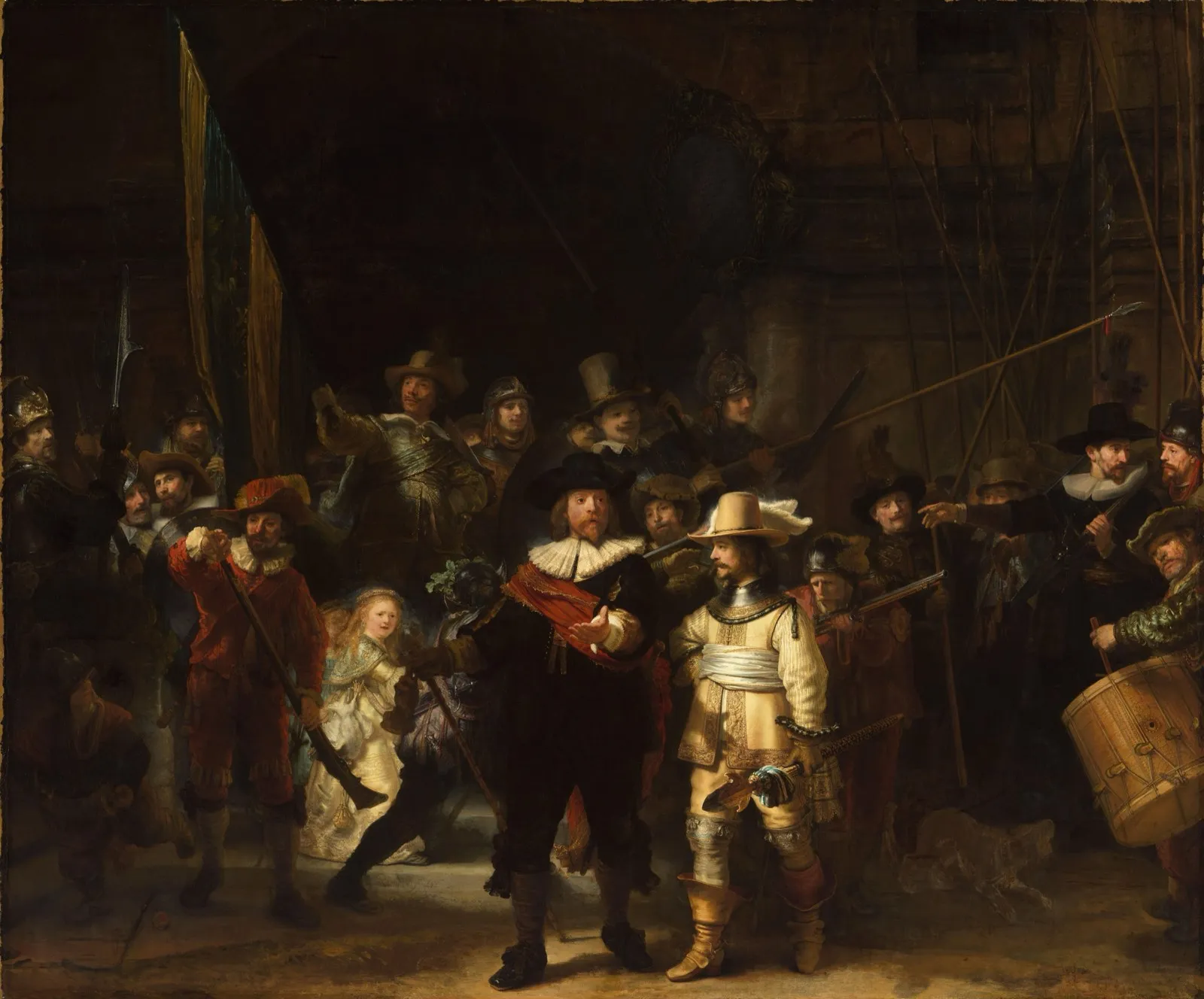
You waited years for this painting. Now it’s shoulders, backpacks and raised phones, and the crowd keeps you moving.
 ArtFavGet the app
Snap an artwork and its label. Get its name, its story and a place in your own art album.

Sound familiar?
Four moments, in the museum and after. Four fixes.
You waited years for this painting. Now it’s shoulders, backpacks and raised phones, and the crowd keeps you moving.
Look closely
Take one photo and step out of the crowd. ArtFav shows you what to look for, with sources.
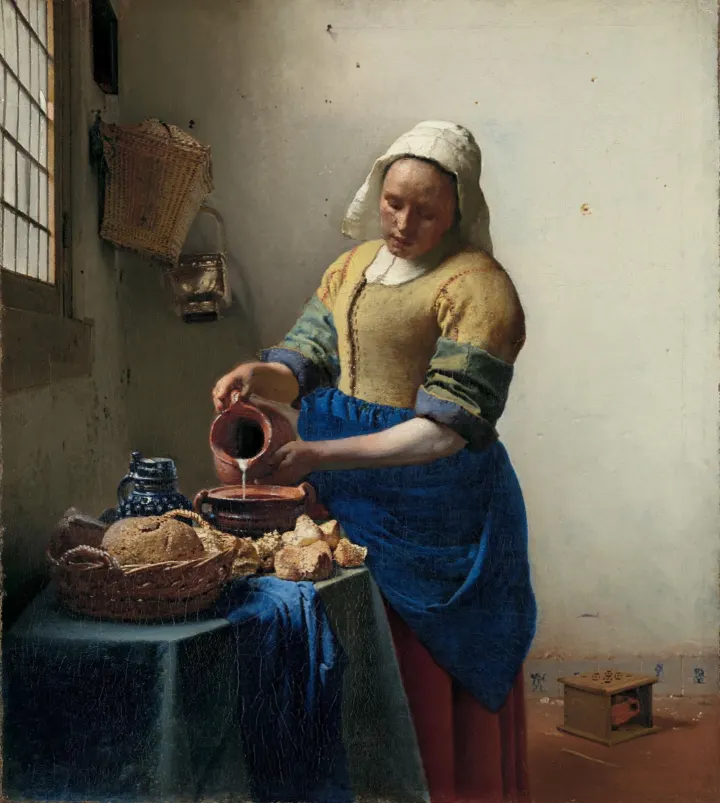
Johannes Vermeer, about 1660. The whole scene fits on a canvas just 45.5 × 41 cm. Now look closer.
Source: Rijksmuseum · collection recordEverything in the room is still, except this thin stream of milk. Follow it from the jug into the bowl.
Source: Rijksmuseum · collection recordVermeer painted the light on the bread with hundreds of tiny, colourful dots. Step back, and they turn into sunlight on the crust.
Source: Rijksmuseum · collection recordIn 2022, scans found a quick sketch of a jug rack behind her head. Vermeer never finished it and left the wall bare.
Source: Rijksmuseum · press release, 2022Behind the foot warmer, a tiny Cupid sits on a Delft tile. Painters of the time used foot warmers to hint at desire. Is she thinking of someone?
Source: Wikipedia · The Milkmaid (Vermeer)Look at the bare wall: Vermeer painted its stains and shadows, a nail, and even an empty nail hole.
Source: Wikipedia · The Milkmaid (Vermeer)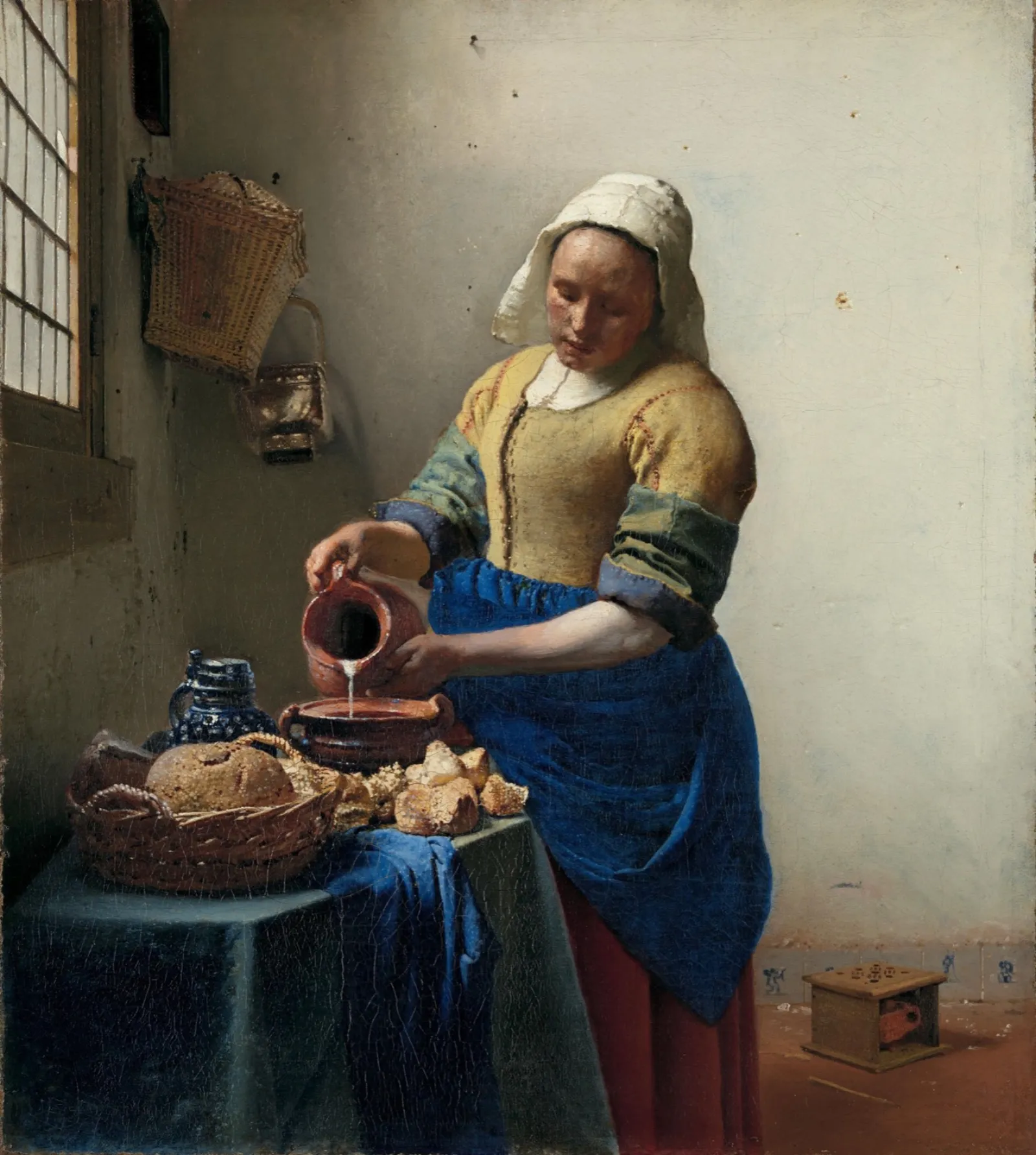
Every room opens with a wall of text: the artist’s life, the idea behind the show, the history. You read the first wall and rush past the rest.
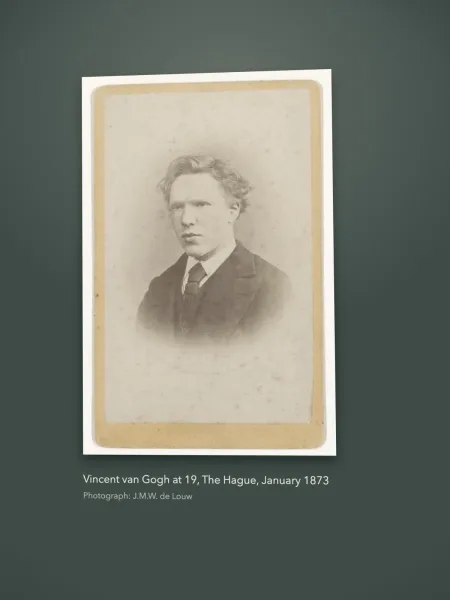
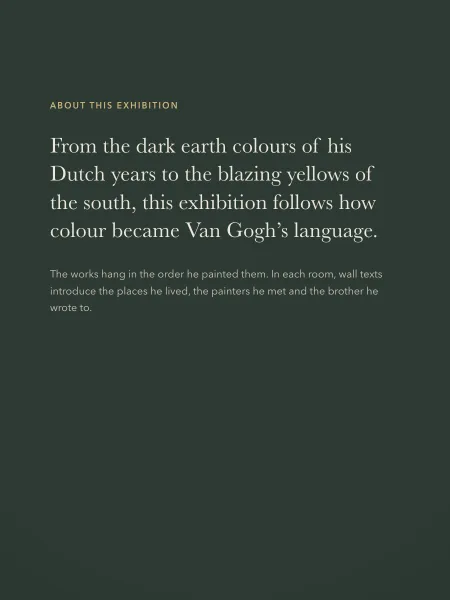
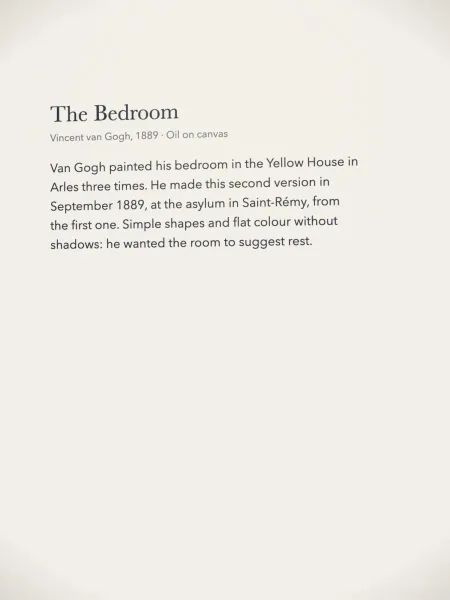
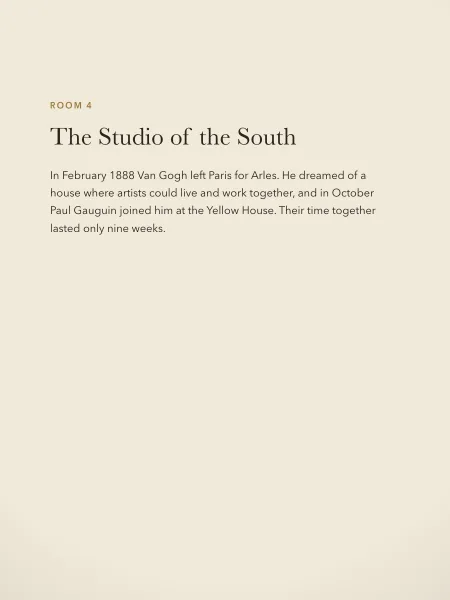
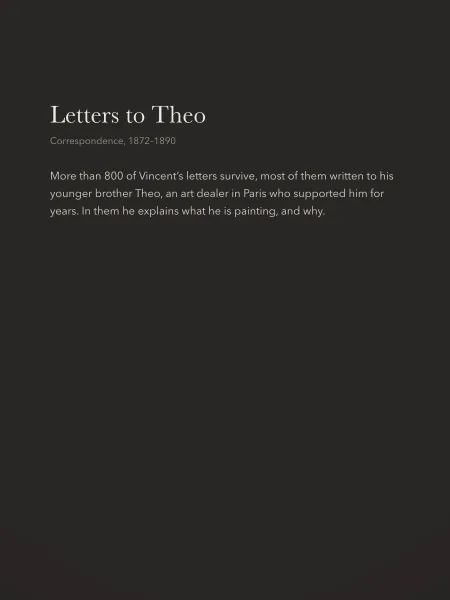
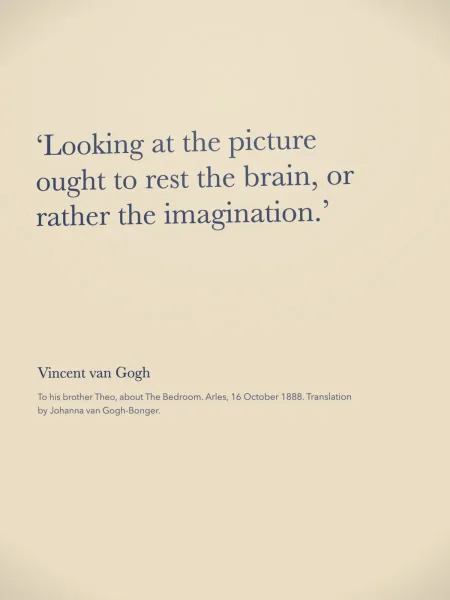
Exhibition notes
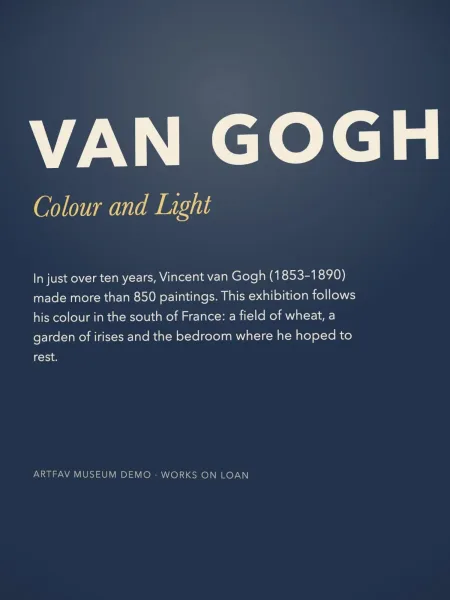
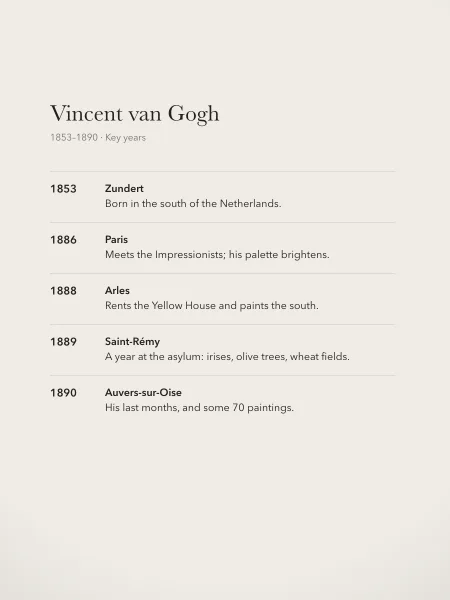
Photograph the wall texts as you go, then enjoy the art. ArtFav turns them into readable notes, kept with your visit and ready for the train home.
In just over ten years, Vincent van Gogh (1853–1890) made more than 850 paintings. This exhibition follows his colour in the south of France: a field of wheat, a garden of irises and the bedroom where he hoped to rest.
Your paintings hide between coffees, nights out and the new puppy. Months later you can’t find the one you loved, or remember its name.
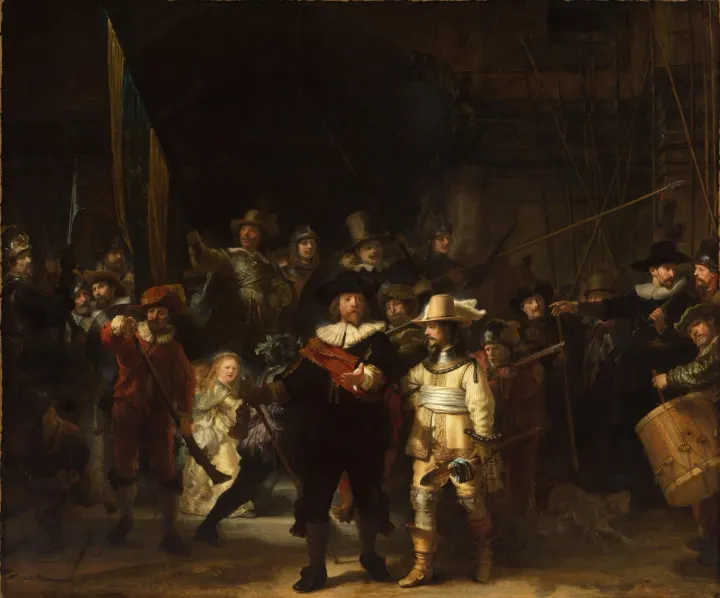
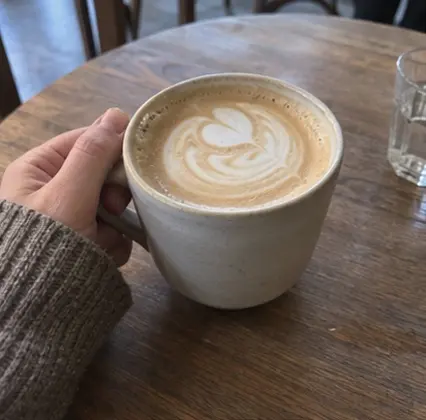
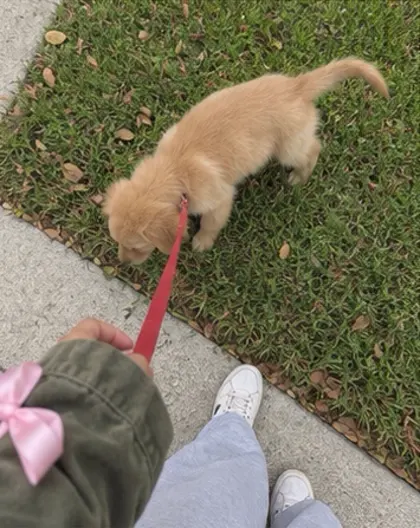
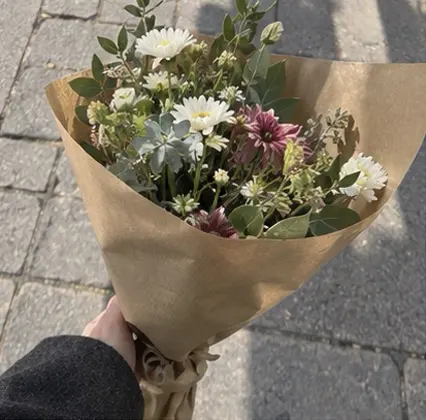
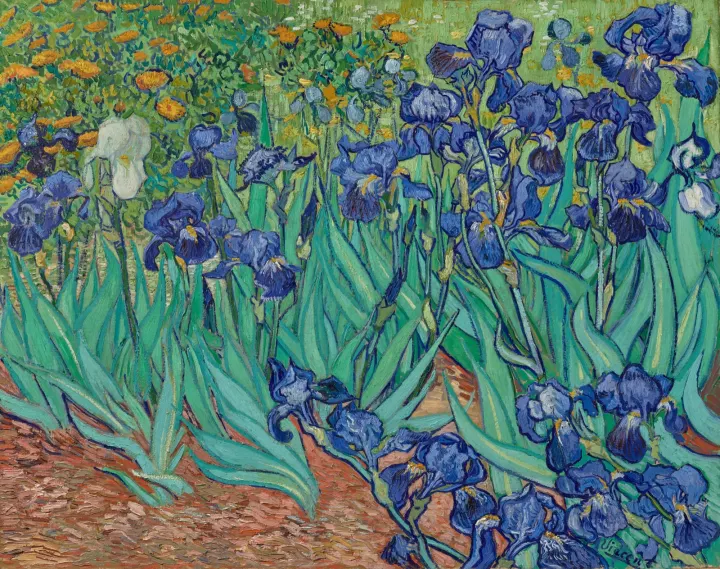
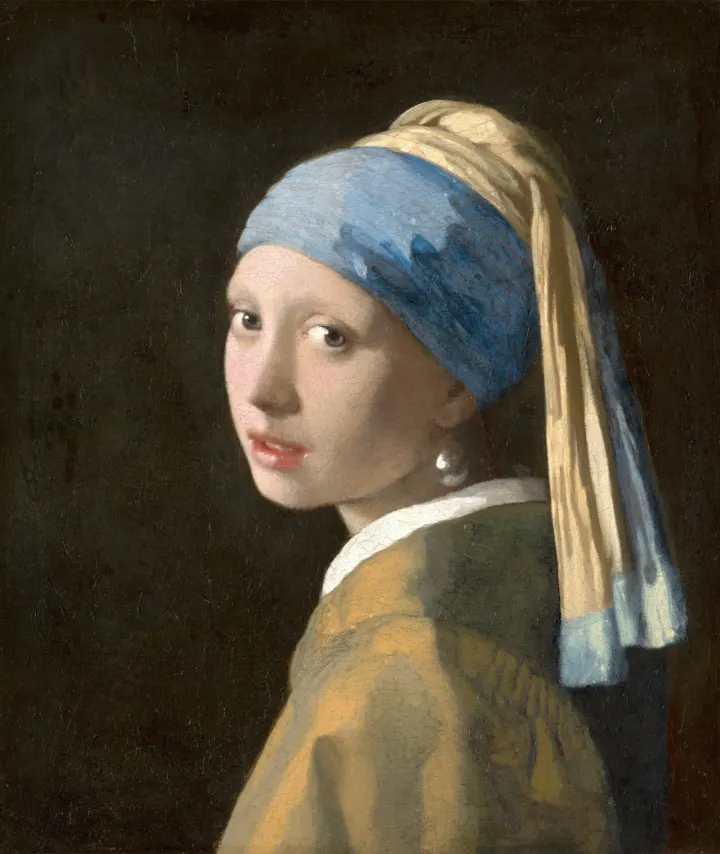
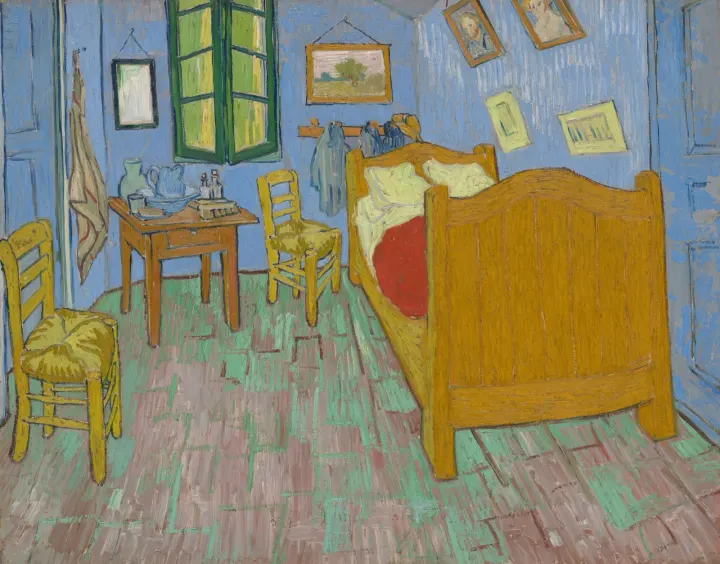
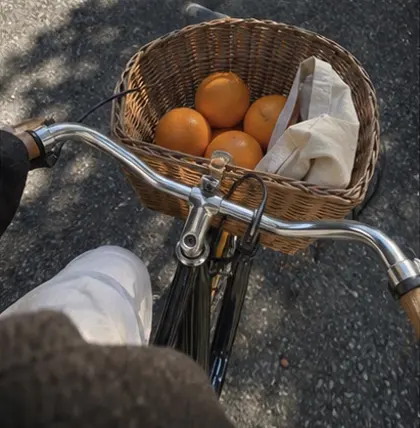
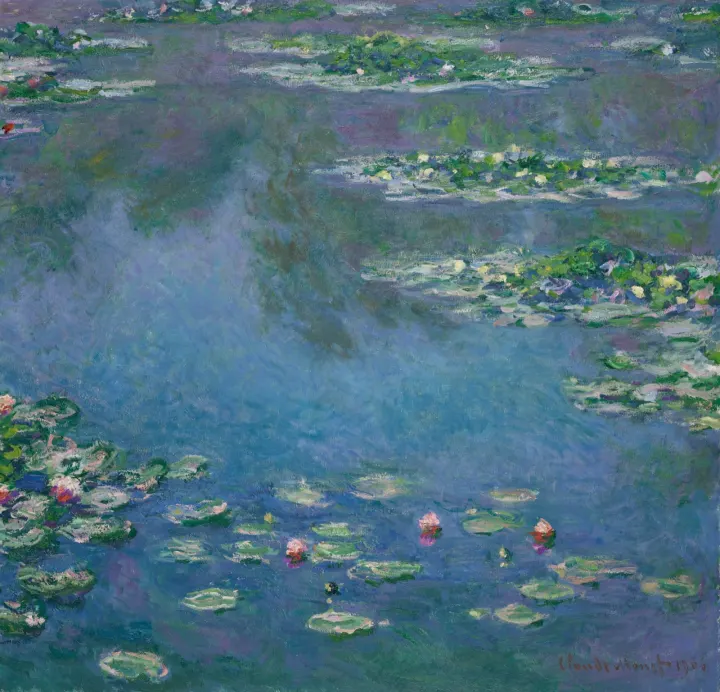
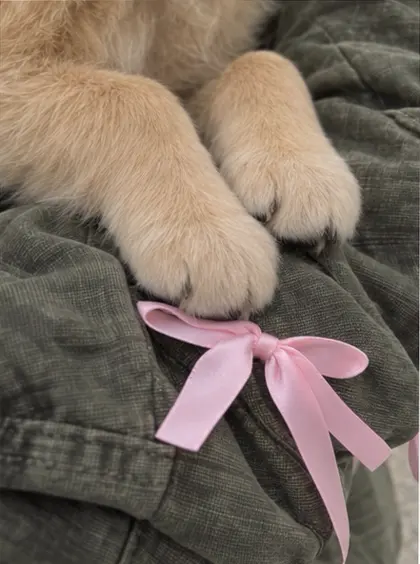
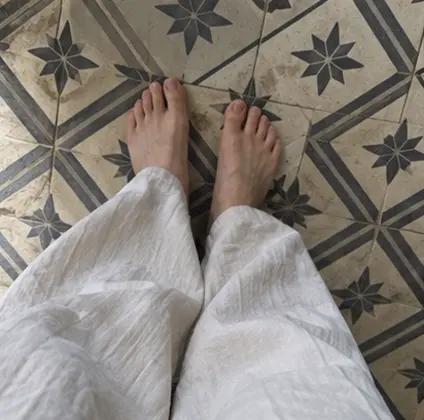
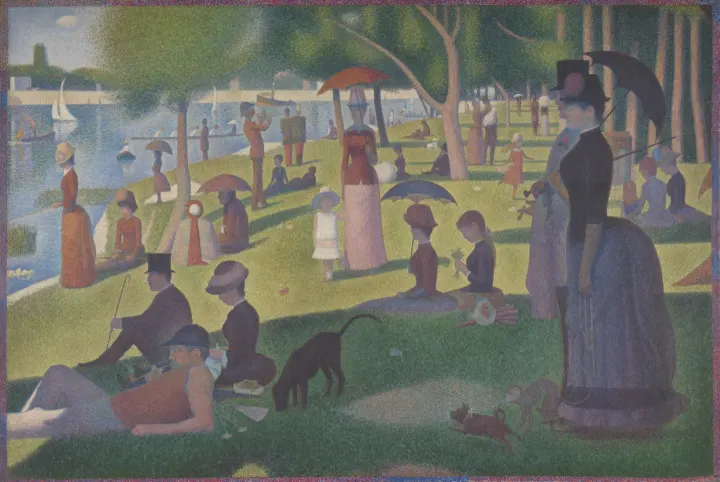
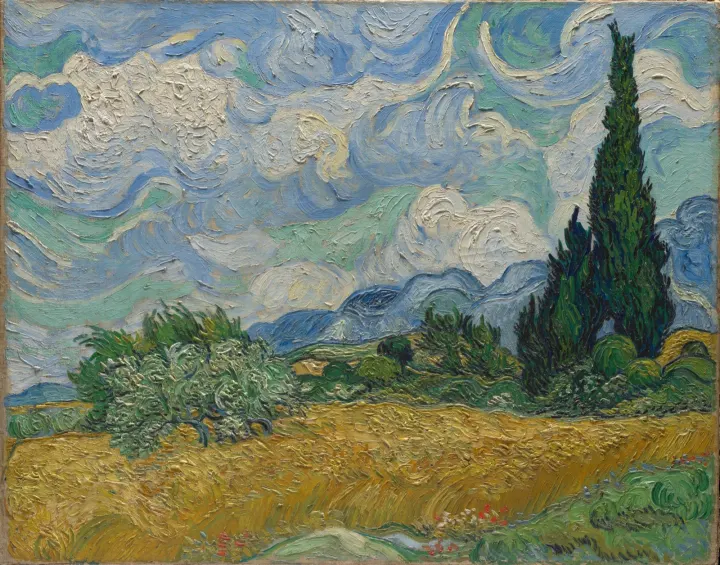
Your art album
From a camera roll full of moments…
Every artwork keeps its name, so you can find it again by museum, visit, date, map or artist. Already have museum photos? Import finds the art in your photo library, right on your iPhone.
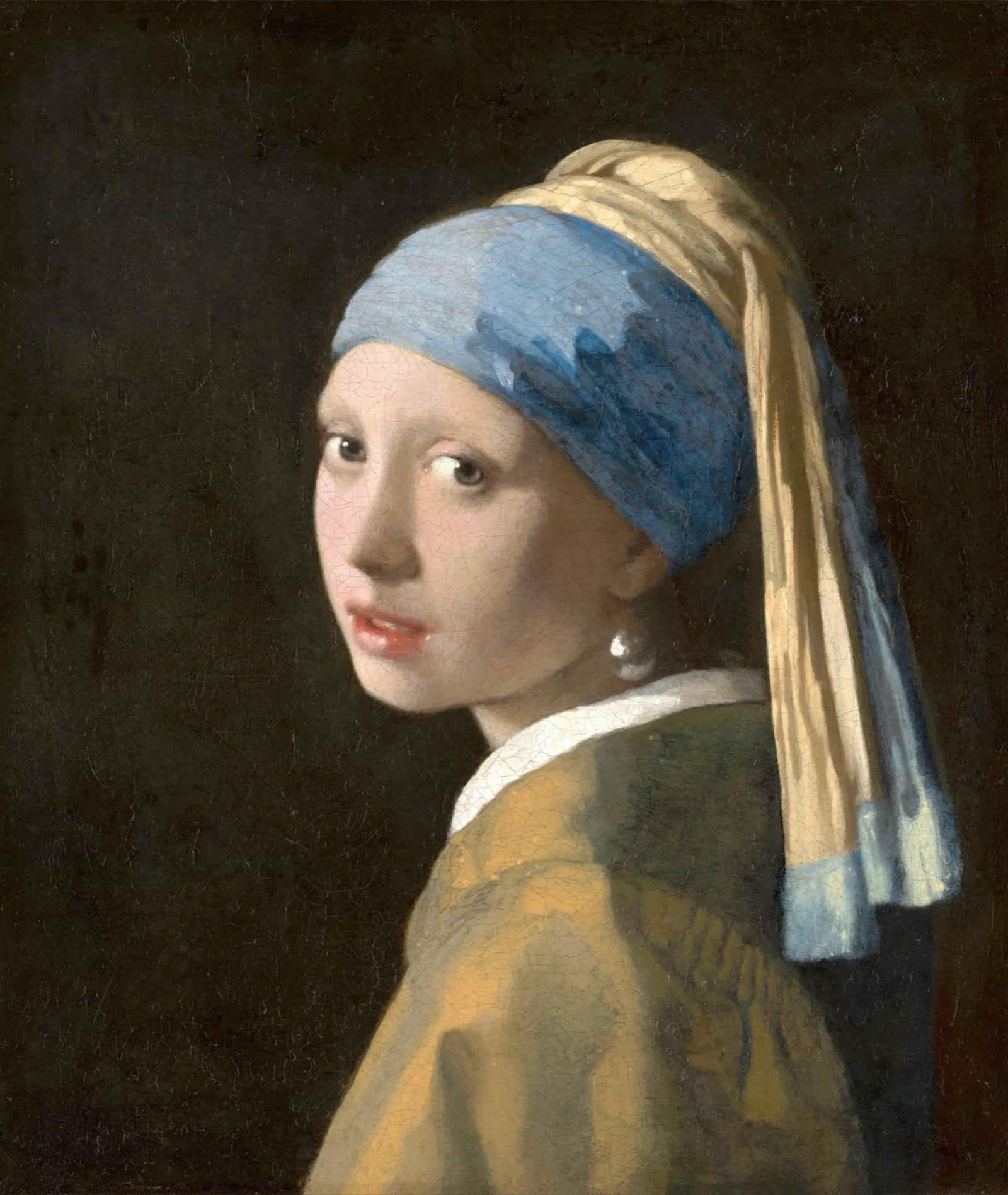
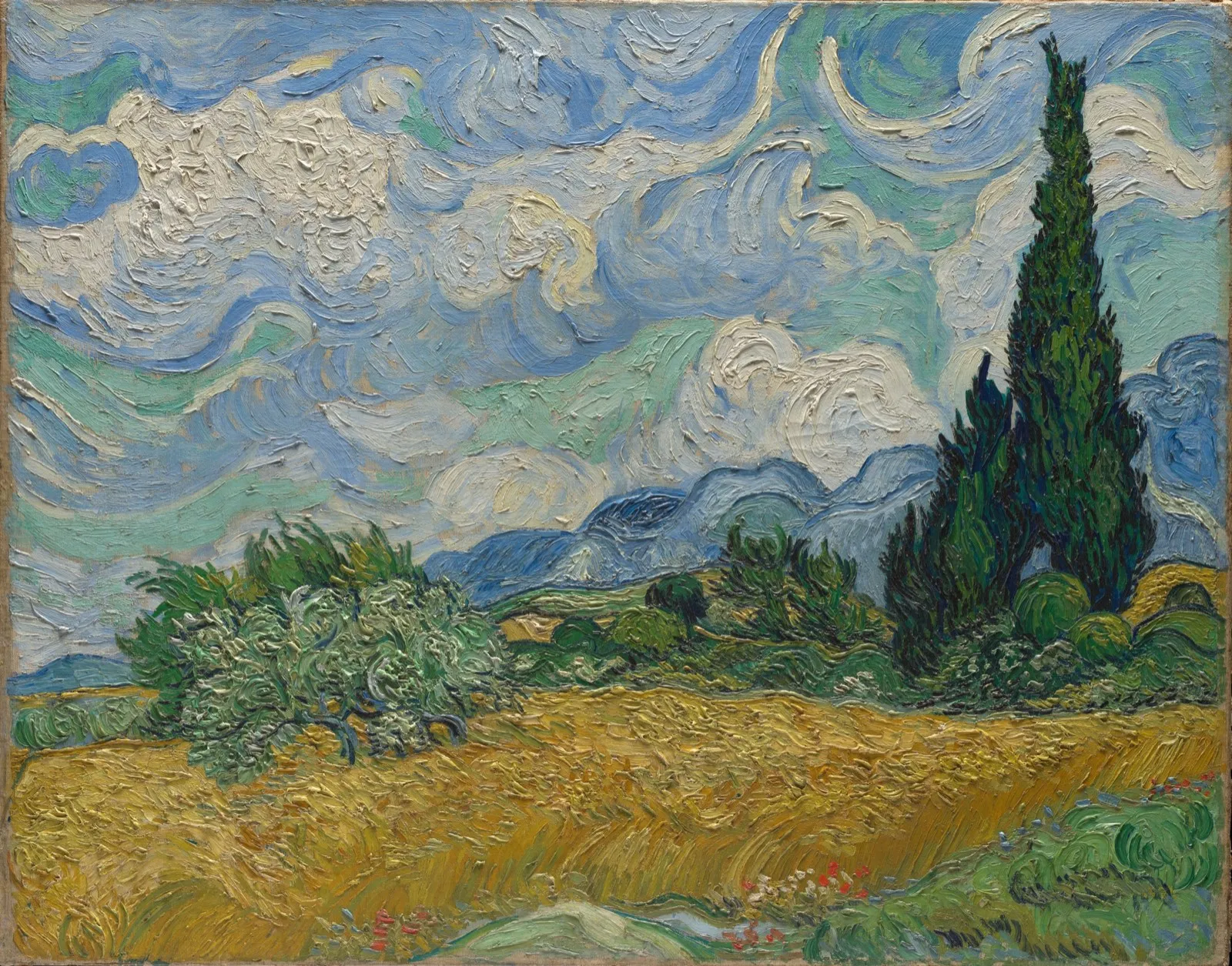
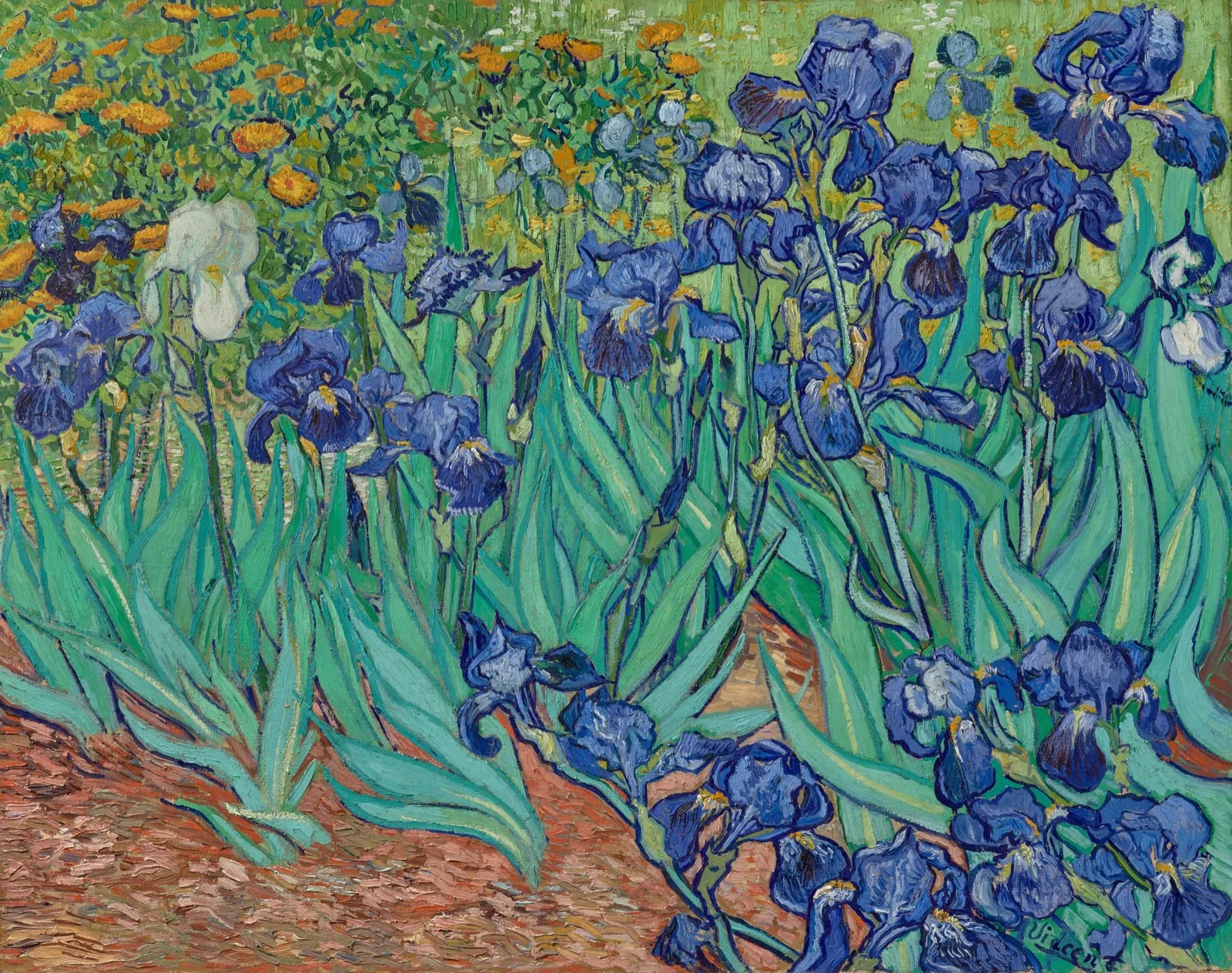
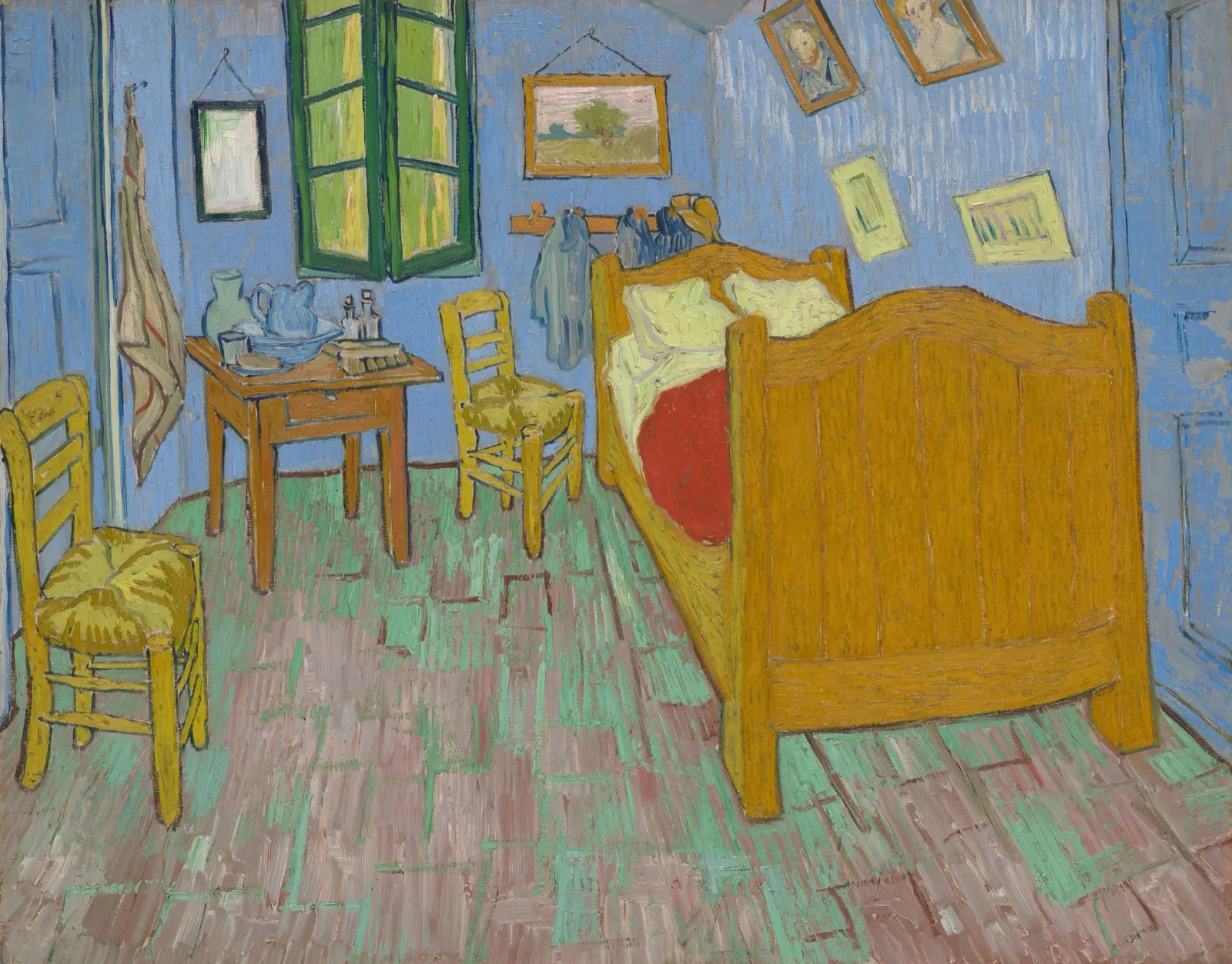
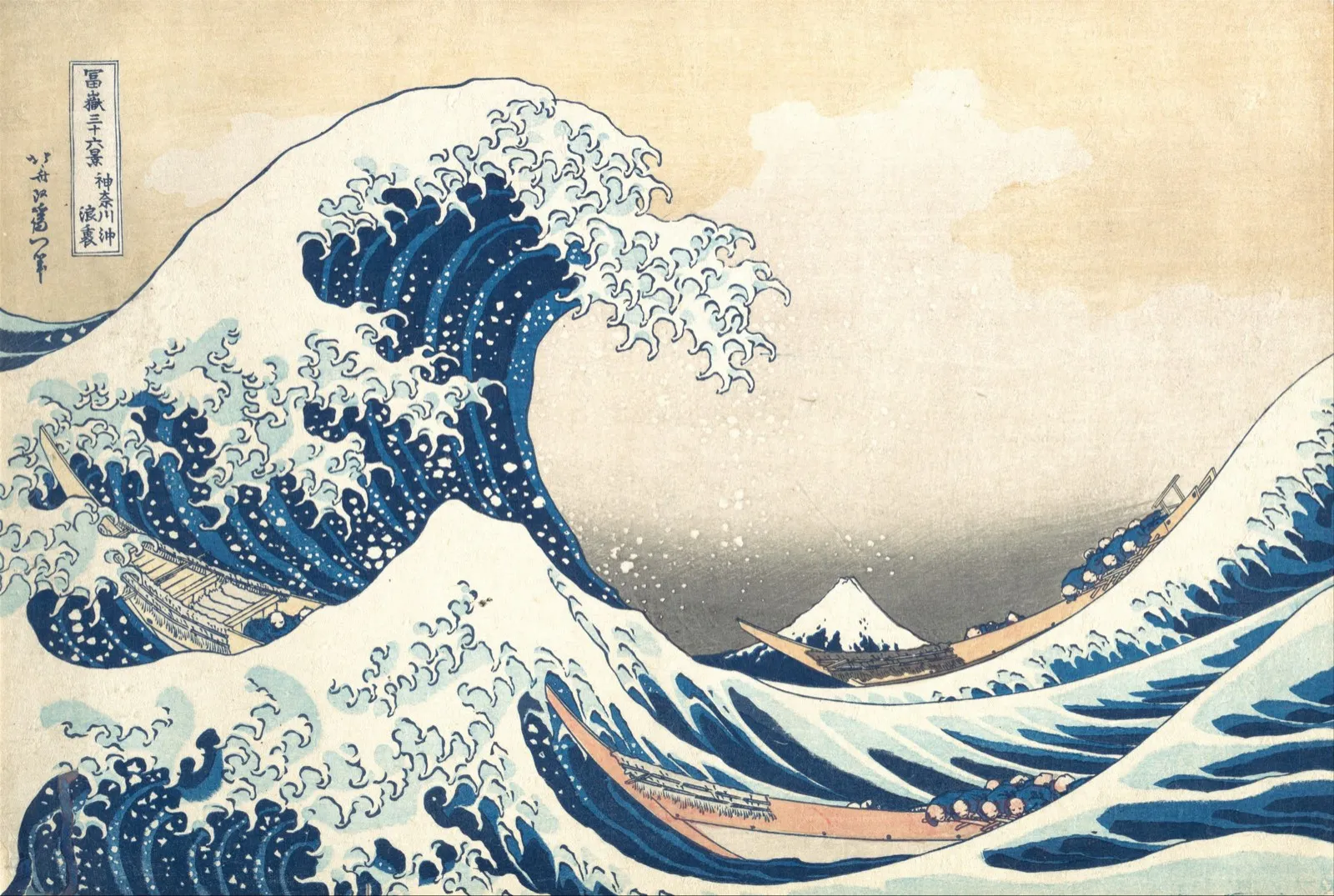
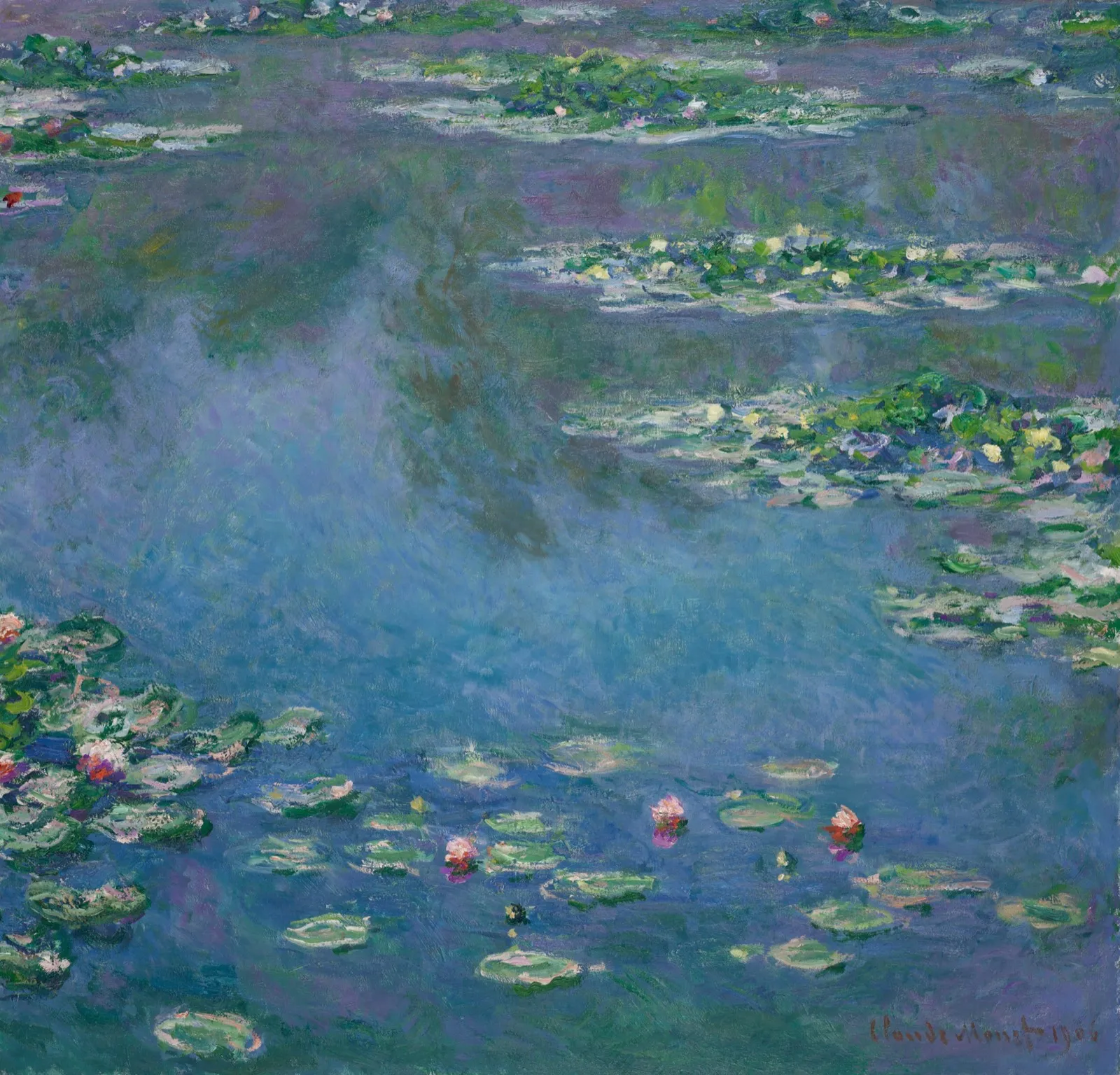
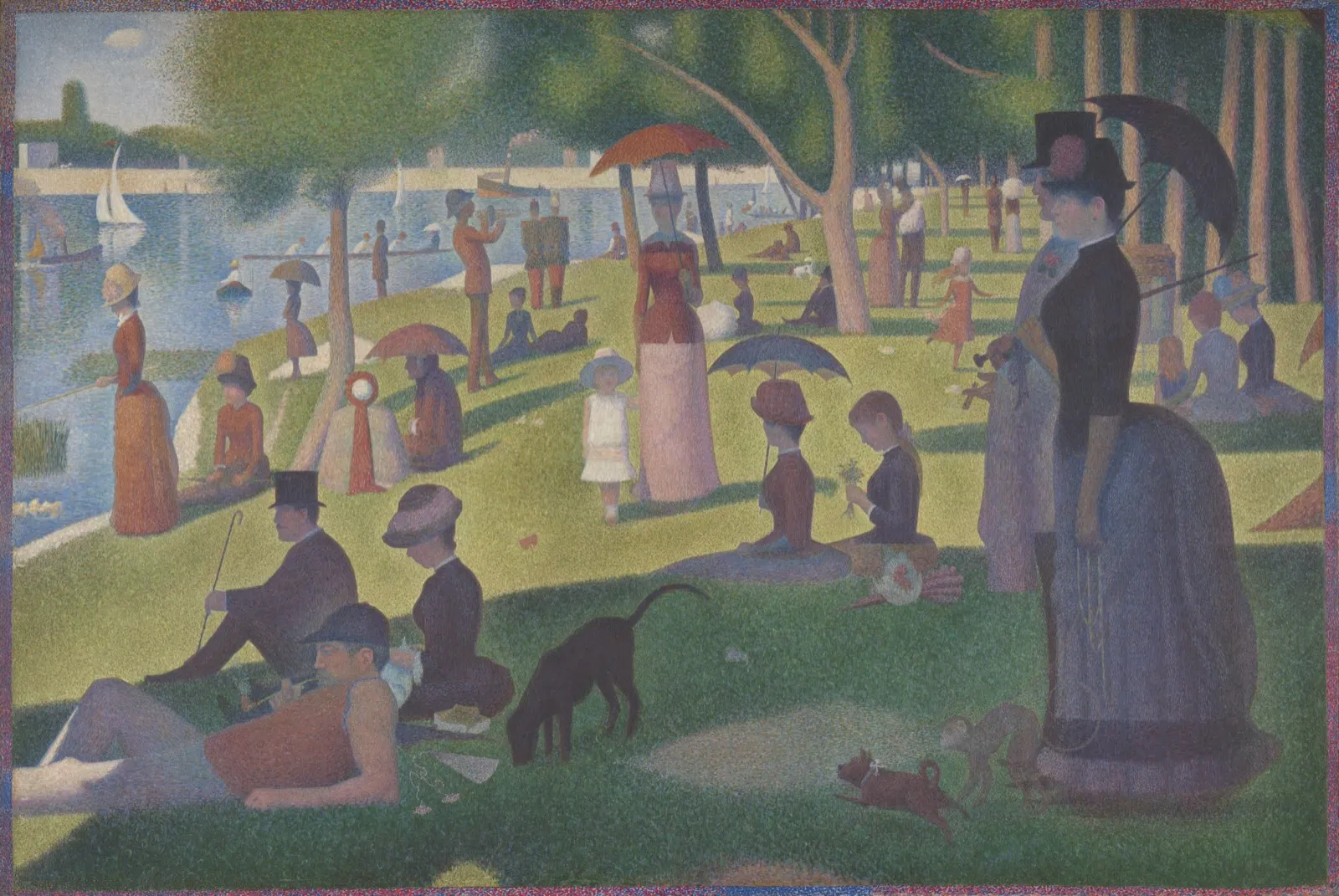
In the room, it took your breath away. A week later you have the photo, but not what you felt, or why it mattered.
Voice notes
Whisper what you noticed while you’re still in the room. ArtFav turns it into a written note saved with the artwork, so the feeling is still there when you come back to it.
“Smaller than I expected. The bread and the light on her sleeve look almost real.”
The MilkmaidRijksmuseum · Sat 31 OctArtFav is an iPhone app for people who love museums. Photograph an artwork and its label to identify it, read its story with Look closely, save exhibition wall texts and voice notes, and keep everything in a personal art journal you can browse by museum, visit, date, map and artist.
Open ArtFav and photograph the artwork, together with its label if you can. ArtFav identifies the work and shows its title, artist, date and museum, then tells you its story and what to look for with Look closely. The label photo helps ArtFav confirm the right work, especially for lesser-known pieces.
Keep your artworks apart from the rest of your camera roll and keep what matters with each one. ArtFav files every artwork by museum, visit, date, place and artist, and keeps its label, the exhibition's wall texts and your notes with it. Import finds the art photos already in your photo library, and that search runs on your iPhone.
Take quick photos of the labels and wall texts and read them later, where the museum allows photography. ArtFav turns wall-text photos into readable exhibition notes and keeps them with your visit, so you can enjoy the art in the room and the reading on the way home.
Capture the thought while you are still in the room. In ArtFav, tap the microphone and whisper what you noticed. ArtFav turns it into a clear note saved with the artwork, so the feeling is still there when you look back.
ArtFav is free to download. For unlimited scans, ArtFav Pro is available as a monthly or annual subscription in the app.
No. ArtFav works without signing in. If you like, turn on Sync with Apple to restore your album on another iPhone.
Only the photos you choose to scan or import are processed. Finding art photos in your library, reading text before a scan and framing faces run on your iPhone. Scans are processed by ArtFav and its AI service providers, mainly on servers in the European Union, set up not to keep your content or train on it where the service allows. The privacy policy has the details. Read the privacy policy.
Yes. ArtFav isn't limited to a list of museums: it identifies artworks from your photos and their labels wherever photography is allowed.
Any iPhone with iOS 17 or later.